Offline POS and FBR Compliance During Load-Shedding
Load-shedding and dropped internet don't pause sales. How offline-capable POS keeps you selling and still gets invoices to FBR once you're back online.

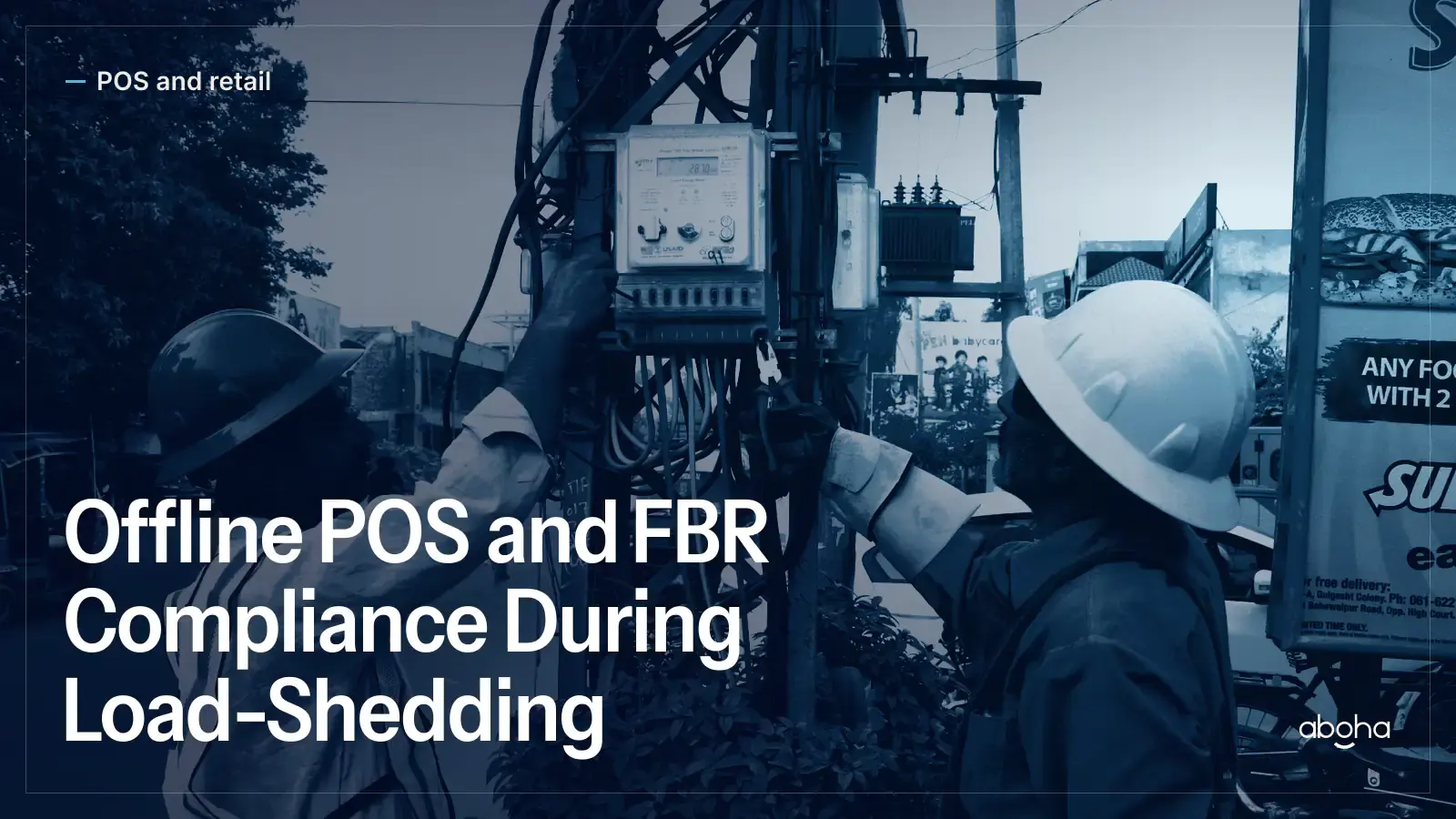
The reality most vendor demos don't show you
Walk into almost any FBR invoicing or POS sales demo and you'll see it running on a stable office Wi-Fi connection, submitting invoices instantly, every time. Walk into an actual clinic, pharmacy, or retail counter in Pakistan on a normal Tuesday, and you're dealing with scheduled load-shedding, a patchy mobile hotspot as backup, or an ISP outage that has nothing to do with anything you did wrong. Ask every vendor about it directly. It is one of the most common operational realities small and mid-size businesses actually face — and it affects how you issue invoices as well as how you serve customers.
What happens to a sale when your POS can't reach FBR
Under the digital-invoicing rules, an FBR-verified invoice carries an FBR invoice reference number, a QR code, and the FBR Digital Invoicing logo — all generated as part of a real-time, validated exchange with FBR's system, as our FBR Compliance Hub explains in full. So what happens the moment your counter can't reach the internet at all? If your software simply can't process the sale, you're stuck choosing between turning away a paying customer or writing the sale down on paper and hoping to reconcile it later — neither is a good position for a business trying to keep operating.
The better answer is software built to keep working through the interruption: capture the sale locally, keep serving the customer, and handle the FBR submission the moment connectivity returns.
How offline queuing should work
Offline-capable POS software records the transaction completely at the point of sale — items, pricing, tax calculation, receipt — even when it can't reach FBR that instant. The invoice is queued locally, and as soon as connectivity is restored, the software submits it, receives the validated response, and reconciles the record with the FBR invoice reference number and QR code attached. Done properly, the customer walks away with a complete receipt either way, and the FBR side catches up in the background instead of becoming something staff manage by hand.
This is meaningfully different from a system that just fails or freezes when it loses signal — the difference between "we'll process this the moment we're back online" and "please come back later" is the difference between keeping a sale and losing one.
The compliance question you actually need answered
Here's the part worth being careful about: does a delayed, queued submission still meet current FBR rules, and is there a time limit on how long an invoice can sit unsent? This is exactly the kind of detail that shifts as FBR's rules and integrator terms evolve, so treat any specific number you read — including elsewhere on the web — as something to verify against current guidance at fbr.gov.pk or with your licensed integrator, rather than a fixed guarantee. What's consistent across guidance to date is the underlying expectation: real-time submission is the norm, and offline handling is meant to be a short bridge over an outage, not a routine way of doing business. For the full technical baseline around POS integration generally, see our FBR POS integration requirements checklist.
What to ask a vendor before you buy
Most sales conversations never get to this question unless you raise it yourself. Ask directly: what happens on this system if the internet drops mid-sale? Does the till keep working? Is the invoice queued automatically, or does staff have to do something manually to recover it? How long can it stay queued, and what happens to the receipt the customer holds in the meantime? A vendor that can answer these clearly, with a real explanation rather than a vague reassurance, has actually built for the environment you operate in — and it's a factor worth weighing alongside our POS integration cost breakdown when you compare options.
This matters even more for businesses that can't simply pause operations during an outage — a diagnostic lab mid-test, a clinic with patients waiting, a pharmacy at rush hour. Our guide on FBR POS integration for hospitals and diagnostic labs looks at continuity planning for exactly these higher-stakes cases.
Ask us how it works
Tasdeeq by Aboha is live counter software: each receipt carries its FBR invoice number and QR code at payment. If load-shedding and unreliable internet are a daily reality for your business, ask us exactly how it behaves when the connection drops at your outlets, and put the same question to any other vendor. Contact us and we will walk through it.
Frequently asked questions
Can I sell while offline and submit the invoice later?
The specific tolerance for delayed or offline submission depends on current FBR rules and your integrator's terms — don't assume unlimited offline grace. Confirm the current position at fbr.gov.pk or with your licensed integrator, and choose software that queues and syncs responsibly rather than one that simply doesn't record the sale.
How long can a POS stay offline before it becomes a problem?
This depends on your software's sync design and any FBR-notified reporting expectations for outages. As of July 2026 the safest approach is to treat offline mode as a short bridge for keeping the till running, not a long-term substitute for connectivity — verify current guidance rather than assuming an indefinite window.
Why don't more vendors talk about offline capability?
Software is often demoed assuming stable internet, because that is the easiest case to show. Load-shedding and patchy connectivity are a daily reality for a large share of Pakistani businesses, which is exactly why offline handling is worth asking about directly rather than assuming it's covered.
Sources
This article is informational and is not tax or legal advice. Confirm your specific obligations with FBR or your tax advisor.
Related reading
Back to the blog POS and retail
FBR POS Integration Cost: A Realistic Breakdown
What FBR POS integration actually costs a small or mid-size retailer — one-time setup, recurring fees, hidden costs, and a tax credit to ask about.
 POS and retail
FBR POS Integration Requirements: Full Checklist
Windows version, card-swipe facility, encrypted transmission, incident reporting — what FBR's POS integration rules actually require, in plain terms.
 Industry
FBR POS Integration for Hospitals & Labs: Workflow
A workflow guide to FBR POS integration for hospitals and diagnostic labs: multi-counter billing, lab versus ward receipts, branches, and outages.