How to Verify an FBR Invoice QR Code
Every FBR-verified invoice carries a QR code anyone can scan. How verification works, and what a failed or missing check can mean.

Why an FBR invoice is checkable at all
For most of Pakistan's business history, a receipt was just paper — trust it or don't. FBR digital invoicing changes that by making every compliant invoice independently verifiable. Because your billing software submits each sale to FBR in real time and gets back a stamped, system-generated record before the transaction is complete, the resulting invoice carries proof that FBR actually saw it — not just a claim that it did.
That proof lives in three places on the document: the FBR invoice reference number (IRN, roughly 22 characters), a QR code, and the FBR Digital Invoicing logo. All three are required together — a receipt missing any one of them may not count as a valid invoice, so ask your tax advisor what applies to you. Our FBR Compliance Hub covers the full anatomy of a compliant invoice, and our guide to FBR invoice QR codes and IRNs breaks down exactly what each element encodes.
A verifiable invoice is becoming the baseline many buyers expect. Understanding how verification works, and what it means when it fails, is useful for buyers protecting their own tax position and for sellers.
What a genuine scan should show
A QR code on a compliant invoice is generated as part of FBR's validated response to that specific transaction — not created independently by the seller's software beforehand. Scanning it is meant to confirm that the invoice behind it was actually submitted and accepted, tying the printed or digital copy back to a live FBR record rather than something a till just printed on its own.
Exactly which app, portal, or scan-to-URL flow FBR currently uses for buyer-side verification has shifted as the system has matured, so treat any specific step-by-step instructions you find online — including ours — as something to confirm against the current guidance on fbr.gov.pk before relying on it for a high-value purchase. What doesn't change is the underlying idea: a real QR code should always resolve to something tied to that specific invoice, not to a dead link or a generic image.
What a failed or missing check actually means
If a QR code doesn't scan, resolves to nothing, or simply isn't present on a receipt that should have one, that's a meaningful signal — not a cosmetic glitch. It usually means one of a few things: the invoice was never actually submitted to FBR, the seller's software isn't integrated at all, or the document was recreated or altered after the fact.
None of those are good. A non-system invoice may not be valid under the digital-invoicing rules, which can put the buyer's own input-tax claim at risk (ask your tax advisor). This is why B2B buyers may push back on suppliers who can't produce a verifiable invoice. For the full field-by-field list of what a compliant receipt needs to include, see our compliant receipt checklist.
What sellers should do when a customer flags a problem
If a customer or business partner tells you their scan didn't verify, don't treat it as a support nuisance — treat it as a signal worth investigating promptly. Start with the basics: was the invoice actually submitted and accepted by FBR, or did it fail silently at the point of sale? A silent failure can happen, especially around token or connectivity issues — our complete guide to FBR invoice error codes covers the usual culprits behind a submission that never really went through.
The fix is almost always upstream of the QR code itself: get the underlying invoice properly submitted and validated, then reissue. What you should never do is hand-generate a QR-code-shaped image to paper over the gap — that turns a technical problem into a much bigger one.
Turning verification into a trust signal, not just a checkbox
Many businesses treat QR verification only as a requirement to get through. That undersells it. A genuinely verifiable invoice is a quiet trust signal to every buyer who scans one — it tells them your books, your tax position, and your invoicing are all in order, without you having to say so. For B2B sellers competing on reliability as much as price, that's worth something, and it's a detail worth training counter staff to actually understand rather than treat as background noise.
Tasdeeq by Aboha prints a receipt that carries its FBR invoice number and QR code at payment, so the receipt your customer scans ties back to the FBR record. If you're not sure whether your current invoices would actually verify, contact us and we'll check a sample with you.
Frequently asked questions
Where can I verify an FBR invoice?
Scanning the QR code on a compliant invoice should route to FBR's verification response for that specific invoice. FBR's verification tools have changed as the system has matured, so confirm the current app or portal referenced on fbr.gov.pk rather than relying on an old link or screenshot.
Why would a business buyer refuse my invoice?
If your invoice was not submitted through FBR's system, a buyer may question it, because their own input-tax claim can depend on holding a valid invoice. Ask your tax advisor how this applies to you.
Does every invoice need a QR code, or just large purchases?
FBR-verified invoices carry the FBR invoice reference number, QR code and FBR Digital Invoicing logo together. Ask your tax advisor whether any exemption applies to your sales.
Sources
This article is informational and is not tax or legal advice. Confirm your specific obligations with FBR or your tax advisor.
Related reading
Back to the blog POS and retail
What Belongs on a Compliant FBR Receipt
IRN, QR code, FBR logo, tax breakdown — a field-by-field checklist for what a legally valid FBR-compliant receipt or invoice must actually show.
 Digital invoicing
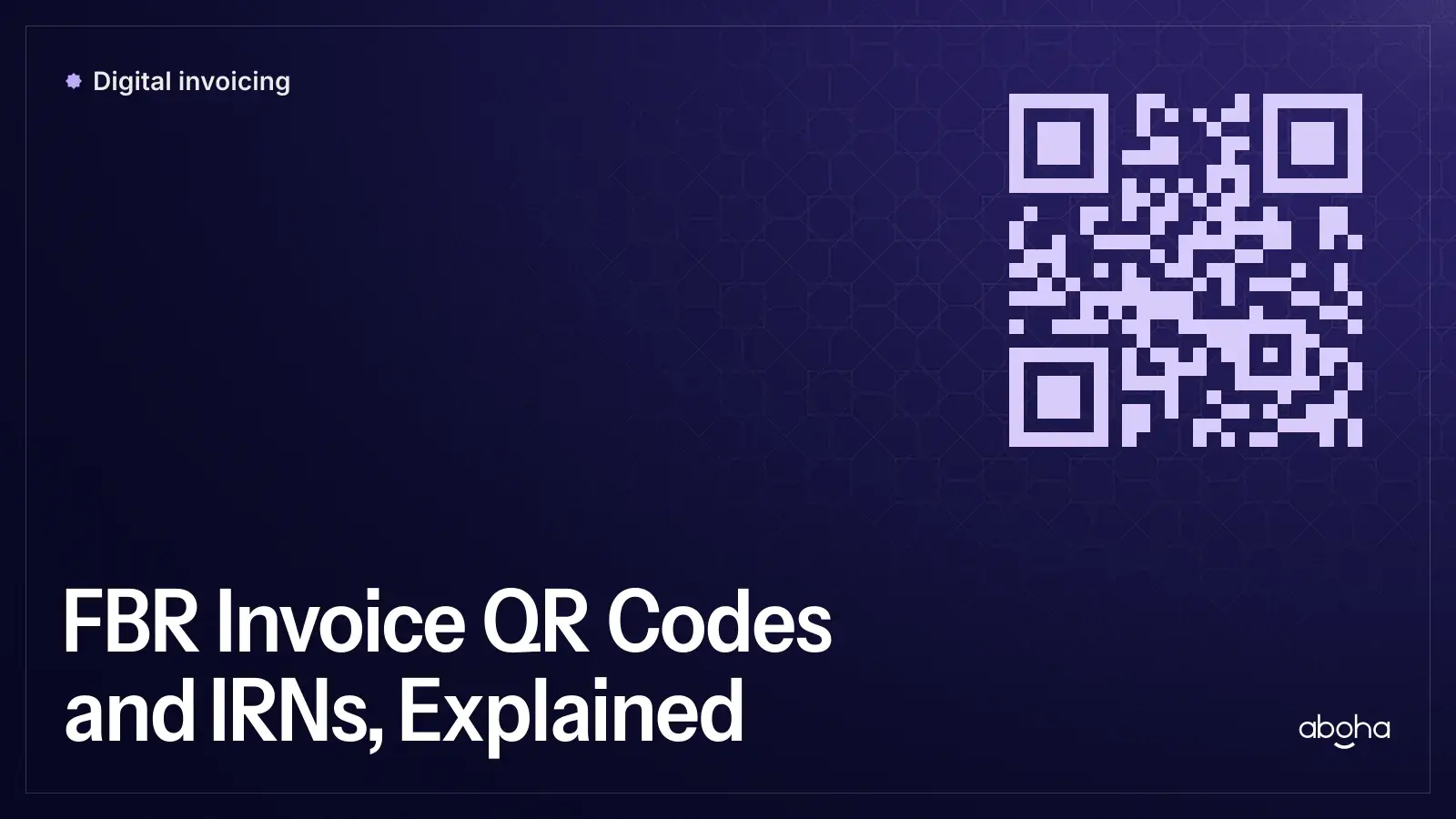
FBR Invoice QR Codes and IRNs, Explained
What's actually inside an FBR invoice reference number and QR code, why both are legally required, and how a buyer can verify one is genuine.
 FBR compliance
FBR Invoice Error Codes: The Complete Guide
The main categories of FBR digital invoice error (auth, schema, QR, tax-mismatch) explained in plain language, with what usually fixes each one.